Birthday video: 5 ways to make or send one, step by step


It’s 9 p.m., your brother’s birthday is tomorrow, and he lives three states away. A text feels thin, and a card won’t get there in time. So you search “birthday video” and get a wall of song clips and template editors.
There are really five ways to do it: a free ready-made clip, a template, a group video from friends and family, a message you film yourself, or a personalized video someone films for them. Each costs a different amount of your time and lands differently on the person watching. Below: when each one works, how to make a group video or film your own message step by step, and how to send it so it doesn’t arrive blurry.
Quick answer: which birthday video should you send?
The right birthday video depends on how close you are and how much time you have. A free clip takes minutes and says “I remembered.” A message in your own voice takes half an hour and says far more. The times below are rough guides:
- Free ready-made clip. Time: a few minutes. They get a song or an animation, without their name. Best for a coworker, an acquaintance, a quick nudge.
- Template. Time: under an hour. They get their photos and name on a ready-made design. Best for a friend who loves a photo throwback.
- Group video. Time: about a week ahead, plus an evening of editing. They get many familiar faces and voices in one video. Best for milestones, or someone far from their people.
- A message you film yourself. Time: 15–30 minutes. They get your face, your voice, your story. Best for anyone close to you.
- A personalized video filmed for them. Time: a few minutes to order. They get their name and your message, said on camera by people filming just for them. Best for someone far away, a party with a screen, someone who’s hard to surprise.
Five kinds of birthday video and when each one works
Each has a moment where it’s exactly right and one where it falls short.
A free happy birthday video from a song channel or clip site
Song videos on big video platforms, free clip sites and e-card pages offer a ready-made animation or singalong you can forward in seconds. Kids tend to love the cartoon ones.
For someone you barely know, a ready-made clip like this is enough. For someone close, it reads as “I had thirty seconds.” Add a line in your own words (more on why below).
A birthday video template you fill in
Template editors drop your photos, a name and a caption into a ready-made design: confetti, a cake, a countdown. You get something polished in under an hour.
The catch: plenty of other people get the same design, so your photos carry all the personality. Pick five that tell a story, not the twenty most flattering.
A group birthday video from friends and family
One person collects short clips from a group and stitches them together. Done well, it’s the version people rewatch: a dozen familiar faces, some the birthday person hasn’t seen in years.
It’s best for milestones and for someone far from family and old friends, and it needs an organizer, a deadline and patience. The steps are below.
A birthday video message you film yourself
Your face and voice, under a minute, recorded on your phone. It costs nothing and is the most personal option here, because nobody else can send it.
When it fails, it’s the setup: a dark room, a noisy kitchen, a phone at chin level. Five minutes of prep fixes that; the filming section shows how.
A personalized birthday video filmed for them
Some services film a video for one person, with their name and your message said on camera. It’s a real surprise, and it helps when you’re far away or short on time.
It doesn’t replace your own words and isn’t for everyone; more on that further down.
Why a generic birthday clip often falls flat
A ready-made clip saves time but falls short in one way: it’s about no one in particular. The people on screen are strangers, nobody says the birthday person’s name, and the wishes are written to fit anyone.
Then there’s the overlap problem. A popular clip makes the rounds fast, and the birthday person can receive the identical singing cupcake from three people before lunch. Cute the first time. By the third, it’s a reminder that nobody thought very hard.
A generic clip also can’t tell ages or relationships apart. The same animation goes to a college roommate turning 22 and a grandmother turning 90. The sender feels good for remembering the date; the person watching can tell nothing in it was picked for them.
That said, a free clip is perfectly fine for:
- a coworker you barely know;
- an add-on to a call or a gift you’re already giving;
- a kid who will happily watch a cartoon birthday song eleven times in a row.
The fix takes ten seconds. Record a short line before the clip (“Dana, this one made me think of you singing in the car on the way to the lake”), or send a text with it that only you could write. The clip becomes the wrapping paper, and your line becomes the gift.
How to make a birthday video with friends and family, step by step
A group video is the most work and, for the right person, the biggest payoff. The hard part isn’t editing. It’s getting twenty people to send a usable clip on time.
Step 1: Pick one organizer and work back from the date
One person runs it; two organizers means two versions of the request and nobody sure who has which clip. Set the deadline several days before the birthday, because editing always takes longer than planned.
- About a week out: send the request.
- Five days out: one friendly reminder to anyone who hasn’t sent a clip.
- Three days out: clips due, with a day of buffer for the late ones.
- The night before: final edit and a test watch.
Keep it secret: ask people not to post their clip or mention it in any chat the birthday person is in.
Step 2: Send one clear request people can copy
Vague requests get vague clips: a three-minute ramble, a selfie filmed in a dark car, four people saying only “happy birthday.” Give everyone one prompt, one length and one deadline:
“Hi all, Jamie turns 40 on the 14th, and we’re making a surprise video. Please record a 20–30 second clip answering one question: what’s one thing Jamie did this year that you noticed? Film somewhere quiet, facing a window, holding your phone horizontally. Upload it to [shared folder link] by Friday the 11th, with your name in the file name. Please keep it off social media and out of any chat Jamie is in. Thank you!”
Other prompts that work: the thing Jamie always says, or the best advice Jamie ever gave you. A question gives the shy ones something to say and keeps the talkers from rambling.
Step 3: Pick one drop point and keep a tally
Have everyone upload to one place, such as a shared cloud folder. If clips come in through five different chats, one of them will end up buried under a meme.
- File names like “Uncle-Ray.mp4” save you a game of guess-who at midnight.
- Keep a tally of who has sent a clip and who hasn’t.
- Chase the missing ones once, personally. After that, go with what you have.
If someone can’t film, ask for a voice note and a photo instead.
Step 4: Put the clips in an order that builds
Open with a laugh: the funniest clip, or the one where the dog steals the shot. Then group people by circle (family, school friends, work), so the video moves through their life instead of shuffling at random. Save the closest person, or the one who lives farthest away, for the end.
Then trim the “hi, it’s me, um” openings and the goodbye waves. Do the math: 20 people at 30 seconds each is 10 minutes, so cut the longest clips down to their best moment.
Step 5: Add music and check the rights
Keep music low under the voices and fade it down whenever someone talks.
Which song you use depends mostly on where the video will end up. For a video you’ll only send privately or play at the party, the birthday person’s favorite song is the usual choice. If it’s going on a public feed, use royalty-free or licensed music. Big video platforms scan public uploads for copyrighted music: if your video matches a song, the rights holder can block it or put ads on it, or you may have to mute the track.
Writing “no copyright intended” under the video doesn’t change anything, and crediting the singer isn’t permission. Most editors and template sites include a library of royalty-free tracks for anything public. (This is practical advice, not legal advice.)
One song is simple. In the US, “Happy Birthday to You” is in the public domain, so you and your friends can sing it in the video. Singing it yourselves is the safe route; a specific recorded version may still have its own rights. A loud, off-key group singalong makes a great finale right after that last message.
Step 6: Test it and plan the reveal
- Test it where it will play. Run the finished file on the actual TV or phone it’s meant for, with the sound up. A voice that’s clear on laptop speakers can vanish on a TV across a noisy room, and you’ll catch any clip that’s upside down or silent.
- Decide on the reveal. A group video plays well on a big screen with everyone in the room. A quiet person may prefer to watch it alone first.
- Keep the uncut clips too, saved next to the finished file.
Making one for a 50th? Our 50th birthday wishes guide adds a twist: a short clip from one person per decade of their life.
How to film a birthday video message on your phone
A message you film yourself is the cheapest option and often the one that means the most. It takes five minutes of setup, not gear.
Light, sound and framing in five minutes
- Light: sit facing a window so daylight lands on your face. With the window behind you, the camera sees a dark outline. At night, a lamp in front of you beats a lone ceiling light.
- Sound: pick the quietest room, turn off the TV and music, and keep the phone about an arm’s length away. Pause a second before and after speaking so you can trim cleanly.
- Framing: wipe the lens (pockets smudge it) and set the phone at eye level, on a stack of books if needed. A camera looking up at you flatters nobody.
- Orientation: horizontal for a TV or a group edit, vertical for a phone chat. If someone is collecting clips, do what they asked.
How long a birthday video message should be
On your own, keep it under a minute; 30 to 45 seconds is plenty for one story and one wish. Inside a group video, aim for 20 to 30 seconds. If you can’t say it in that time, you’re trying to say two things. Keep the better one.
What to say: open with the name, then one story
Their name goes in the first second, before any “okay, is this recording?” Then one specific moment, in two or three sentences, and what you hope for them this year. End the way you’d end a phone call with them, whether that’s “love you” or “see you Thursday.”
Don’t read a script off the screen; your eyes drift, and it shows. Put three keywords on a sticky note next to the lens. If you trip over a word, keep rolling: a laugh in the middle of a sentence plays better than a fifth stiff take. The person watching cares that you showed up, not how you look.
Example birthday video message scripts
Each runs about 30 seconds out loud; swap in your own details.
For a long-distance friend: “Maya, happy birthday from snowy Minneapolis. Last week I passed the dumpling place we found in May and almost texted you a photo of the window, which is how I know I miss you. Fingers crossed this is the year you find an apartment with a real kitchen. And when you land in March, we’re going straight to the dumplings.”
For your dad: “Hi Dad, happy birthday. Last weekend I tried to fix our garbage disposal with a butter knife and a lot of confidence, and I finally understood why you kept a labeled toolbox in the garage for thirty years. I’m buying one this week. Wishing you a year where every project works on the first try and the Bills make you happy at least twice. I’ll call you tonight.”
For your partner: “Happy birthday, Taylor. Remember the canceled flight in Denver, when you turned six hours at the gate into a picnic on the carpet? That’s still one of my favorite days, and it had no right to be. Here’s to more bad luck turned into good stories, and fewer airports. Home by six. Don’t peek in the fridge.”
For a coworker: “Happy birthday, Monica, from everyone on the fourth floor. Thank you for always knowing where the spare cables are, and for staying calm during the March launch when the rest of us did not. Today’s forecast: a long lunch and zero meeting invites. And yes, someone already ordered the cake.”
A light, funny one: “Dev, happy birthday. I’ve got 30 seconds, so I’ll skip the list of your flaws; we don’t have that kind of time. Kidding. Mostly. You read the manual for a microwave. Cover to cover. And somehow that’s my favorite thing about you. I’m bringing the spicy chips Saturday. Don’t hide them in the oven again.”
For more lines, see birthday wishes for a friend, or funny birthday wishes for teasing that stays friendly.
If you hate being on camera
You can still send your own voice:
- A photo slideshow with a voice-over: ten photos, your voice telling the story behind three of them.
- A place you share: film the porch, the car or the view you both know while you talk off camera.
- Your hands, not your face: film only your hands flipping handwritten cards with your message, one line per card.
When a personalized birthday video makes sense
A personalized birthday video is made for one person, with their name said out loud. We make these at Privet iz Afriki, so here’s the honest version.
Is it right for your birthday person?
It suits someone far away, a milestone party with a screen, a person who’s hard to surprise, friends splitting one gift, or a week when nobody has time to herd 20 clips. Skip it if they’d squirm with a room watching them react, if this birthday comes soon after a loss, or if what they’d value most is an hour on the phone with you.
Here’s how ours work. Most of our teams film in the DR Congo; two of them, Pharaohs and Bedouins, film in Egypt, at the pyramids and in the desert, and are available from Premium ($95).
The team says your message on camera (up to 75 characters, whatever the package) and dances; if you like, they’ll also sing Happy Birthday. The Hit package ($63) brings in a chalkboard message, handwritten and up to 60 characters, plus up to two A4 photos printed for the shoot and your own music. You receive the finished MP4, 40–60 seconds long, by email or messenger. We film on the day of your order, and you get the video from 2 hours after payment.
The team speaks English with an accent. The name and the main phrase are said clearly, so keep the message short. Every video is filmed by real people: no AI, deepfakes, auto-generation or green screen. Every team member officially works with us and is paid above the average rate in their region.
To see what one looks like, watch our sample birthday greeting, or browse birthday videos filmed by our teams in Africa.
Spoken lines and board lines that fit
Put the name first and stick to one idea. Spoken lines, each within 75 characters including spaces and punctuation:
- “Happy birthday, Malik! The Atlanta cousins saved you a seat at game night.” (74)
- “Happy 30th, Tasha! The Sunday running crew misses you setting the pace.” (71)
- “Happy birthday, Grandma Ruth. Twelve grandkids, and you never miss a card.” (74)
- “Happy birthday, Coach Lee. Your Tuesday team says thanks for every lap.” (71)
Board lines, each within 60 characters:
- “Malik, game night misses you” (28)
- “Tasha is 30! The running crew says hi” (37)
- “Grandma Ruth, still the boss of us” (34)
- “Coach Lee: no laps today, just cake” (35)
Pair it with a few words of your own
The team video is the surprise; your own message is the part they’ll keep. Send your own short phone video in the morning and save the team video for the party, or play the team video at the table and call that evening. Either order works, as long as the surprise isn’t all they hear from you.
How to send a birthday video so it plays well
It looks sharp on your phone, then arrives looking like it was shot through a screen door. That’s not your camera: the messaging app compressed it. Send it as a file (a document) instead of from your gallery, or share a cloud link.
- Export as MP4. Phones, laptops and most smart TVs open it without fuss.
- Pick the moment. A heartfelt message lands best when they can watch it with the sound up and nobody waiting on them, so don’t send it mid-workday; a funny one can go straight to the party screen.
- Give a heads-up. A file from an unfamiliar account or a bare cloud link can look like spam, so send a one-line “this one’s from me” before it or right after.
- Ask before posting. A video made for one person is theirs first. Check before anything goes on a public feed, especially a group video with other people’s faces in it.
- Keep a backup somewhere other than your phone. Chats get cleared, and people ask for birthday videos again a year later.
Birthday video FAQ
How long should a birthday video be?
For a message you film yourself, keep it under a minute: 30 to 45 seconds covers a name, one story and a wish. In a group video, give each person 20 to 30 seconds and keep the whole thing short enough to watch in one sitting. If people start checking their phones, it’s too long.
What music can I use in a birthday video?
It depends on where the video goes. Sent to one person or played at the party, most people just use the song the birthday person loves. Posted publicly, it can be flagged, muted or blocked, so pick a royalty-free or licensed track, and don’t count on a disclaimer to cover you. In the US, “Happy Birthday to You” is in the public domain, so you can all sing it. (This is practical advice, not legal advice.)
How do I make a birthday video for free?
Film it on your phone or collect clips from friends, then put it together in a free editor or on a template site; most include royalty-free music. Export it as an MP4. The free version that lands best is the simplest: your face and voice, their name and one detail nobody else would think to mention.
What do you say in a happy birthday video message?
Their name first, then one specific memory, then a wish for their year, then the sign-off you’d use on the phone. Three or four sentences is enough. A memory only the two of you share beats a paragraph of nice words.
How early should I start a group birthday video?
About a week ahead. Send the request seven days out, remind people once, and set the clip deadline a few days before the birthday. That leaves an evening to edit without a 1 a.m. scramble.
The short version
A free clip says you remembered. A template adds their photos. A group video brings their people together. A message you film yourself is the most personal and costs nothing. A personalized video gives them a surprise with their name said out loud.
If you’d like them to hear their name from a team in Africa on their birthday, start in our catalog: choose the team whose music and energy fit, then add the name and a line of up to 75 characters.
More articles
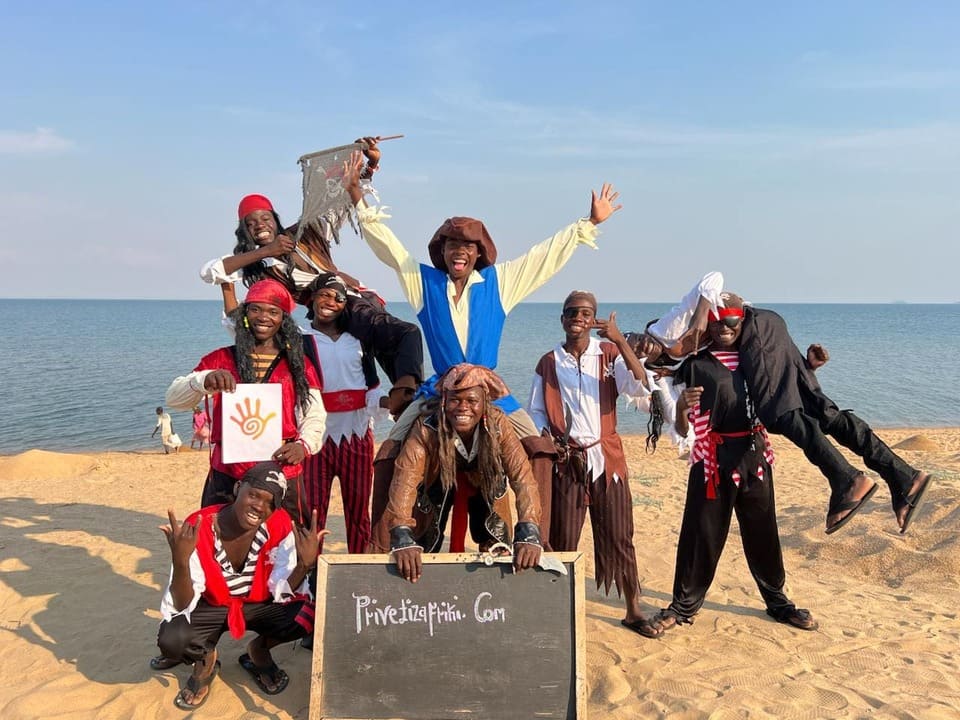 November 9, 2026Unique gifts that fit the person: ideas and a quick test
A unique gift fits one person, not a gift-shop filter. Inside: when originality helps or backfires, five kinds of unique that land, unusual gifts for adults and a six-question test.
Read more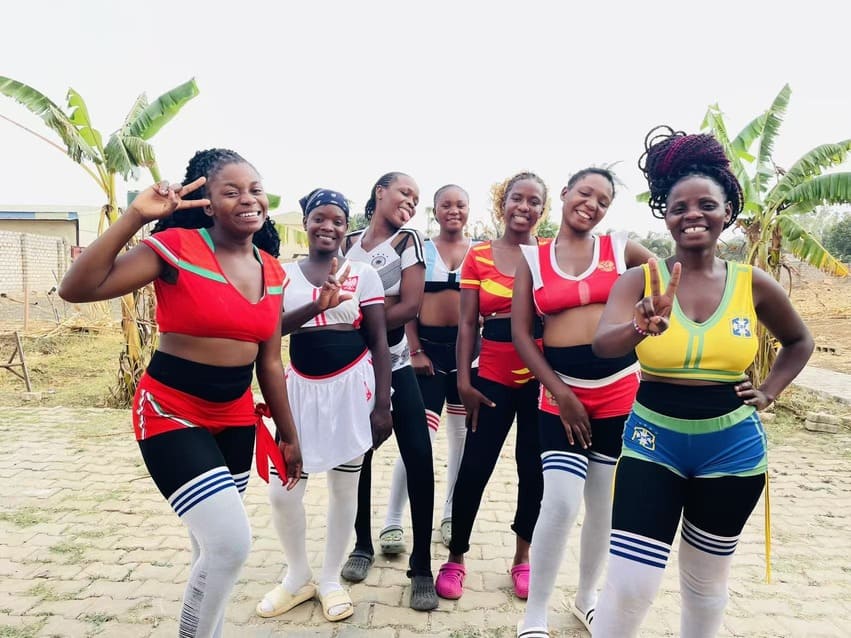 November 3, 2026Birthday wishes for sister: 100 messages that sound like you
100 original birthday wishes for your sister, sorted by who she is and who’s writing, plus card lines, captions, the hard cases and ways to celebrate her.
Read more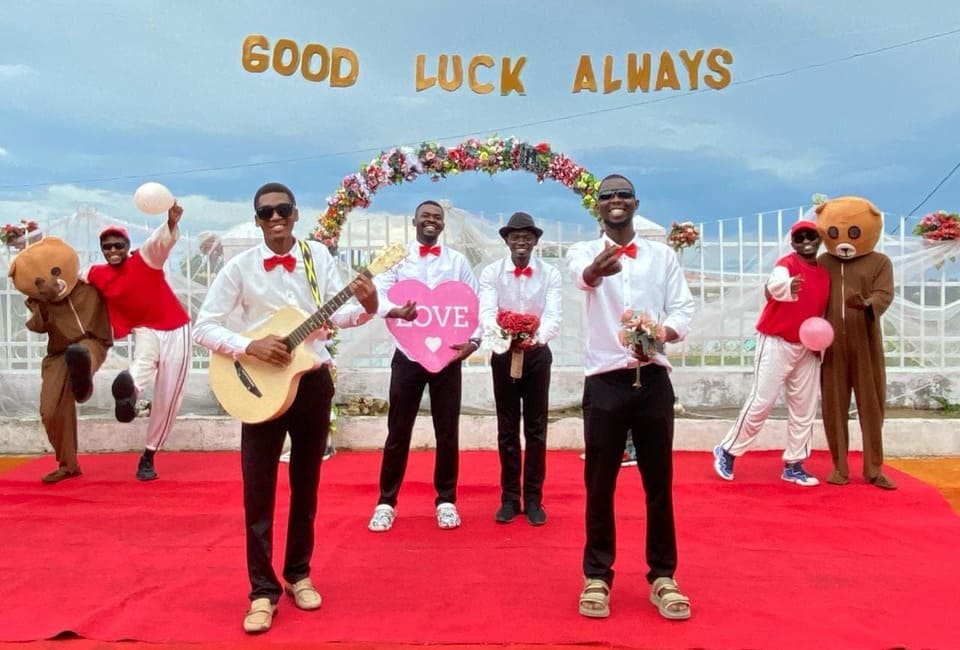 November 2, 2026What to write in a wedding card: 70+ messages and tips
A four-line formula and 70+ wedding card messages sorted by who you are to the couple, plus sign-offs, what to write with cash, what to skip and wedding toast ideas.
Read more


